High-quality video generation benefits from careful credit planning. Kling VIDEO 3.0, Kling VIDEO 3.0 Omni, Native Audio, Multi-Shot, 4K video output, and membership access can all affect how creators plan a production budget.
How Should Creators Think About Kling AI Credits?
Kling AI uses credits and membership plans to manage access to generation features. Credit planning should account for model, feature, resolution, duration, and the current product workflow shown at the time of generation.
Plan | Visible Monthly Offer | Monthly Credits | Credit Reference | Selected Plan Benefits |
|---|---|---|---|---|
Basic | $0; free forever | No monthly Credits | Not listed | Element Creation Quantity: 30; generated content is not for commercial use |
Standard | $6.99 / Month ($10 shown); next monthly renewal: $8.8; first-subscription discount only | 660 Credits per month | As low as $1.33 per 100 Credits; 660 images / 33 720p videos | Element Creation Quantity: 50; fast-track generation; 1080p Video Generation; image upscaling; brand watermark removal; video extension; generated content is for commercial use |
Pro | $25.99 / Month ($37 shown); next monthly renewal: $32.56; first-subscription discount only | 3000 Credits per month | As low as $1.09 per 100 Credits; 3000 images / 150 720p videos | Element Creation Quantity: 150; fast-track generation; 1080p Video Generation; image upscaling; brand watermark removal; video extension; priority access to new features; generated content is for commercial use |
Premier | $64.99 / Month ($92 shown); next monthly renewal: $80.96; first-subscription discount only | 8000 Credits per month | As low as $1.01 per 100 Credits; 8000 images / 400 720p videos | Element Creation Quantity: 150; fast-track generation; 1080p Video Generation; image upscaling; brand watermark removal; video extension; priority access to new features; generated content is for commercial use |
Ultra | $127.99 / Month ($180 shown); next monthly renewal: $159.99; first-subscription discount only | 26000 Credits per month | As low as $0.62 per 100 Credits; 26000 images / 1300 720p videos | Element Creation Quantity: 500; fast-track generation; 1080p Video Generation; image upscaling; brand watermark removal; video extension; priority access to new features; beta test invite if applicable; generated content is for commercial use |
Credits, prices, plan benefits, and access rules can change as Kling AI products are updated.
Before starting a large project, check the membership plan so the budget reflects the current product rules.
What Does Native 4K Video Output Add?
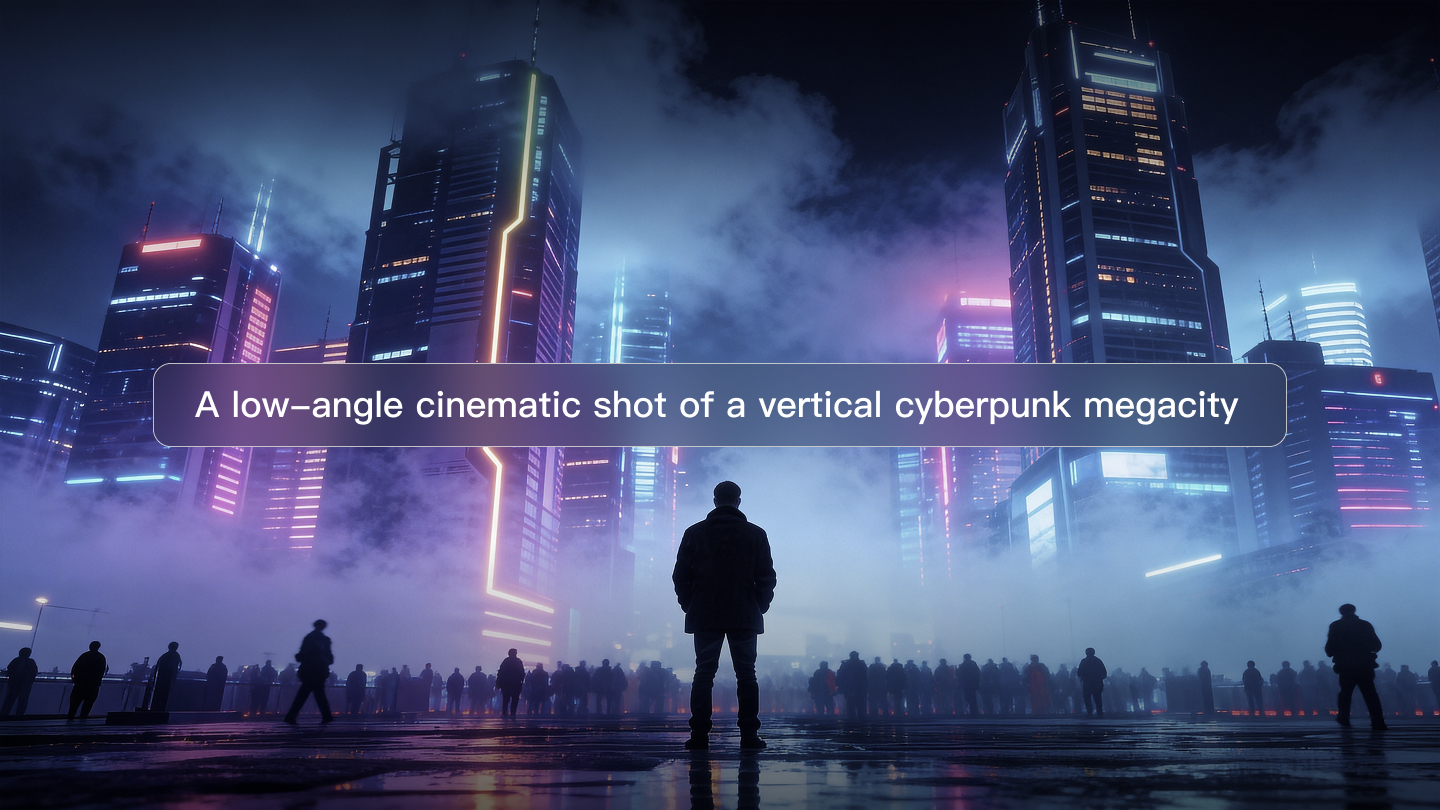
Kling VIDEO 3.0 series includes a 4K mode for video generation, designed for sharper visuals, richer detail, and more cinematic texture.
Native 4K video output is useful for large-screen display, high-definition playback, and professional production workflows where clarity and texture matter.
The 4K release introduced cinema-grade native 4K video output for the Kling VIDEO 3.0 series at 30 credits per second. Use that figure as a 4K planning reference, then confirm the live generation panel before production because product rules and access can change.
4K Planning Item | Kling VIDEO 3.0 Series Detail |
|---|---|
Mode | Cinema-grade native 4K video output |
Workflow | One-click 4K video generation |
Visual Focus | Sharper visuals, richer details, and cinematic textures |
Reference Consistency | Preserves element features, stylistic expression, color, lighting, and overall mood from reference content |
Credit Reference | 30 credits per second |
Creators should decide whether a project truly needs 4K based on final delivery format, review needs, and the level of detail required.
How Does Kling VIDEO 3.0 Omni Affect Planning?
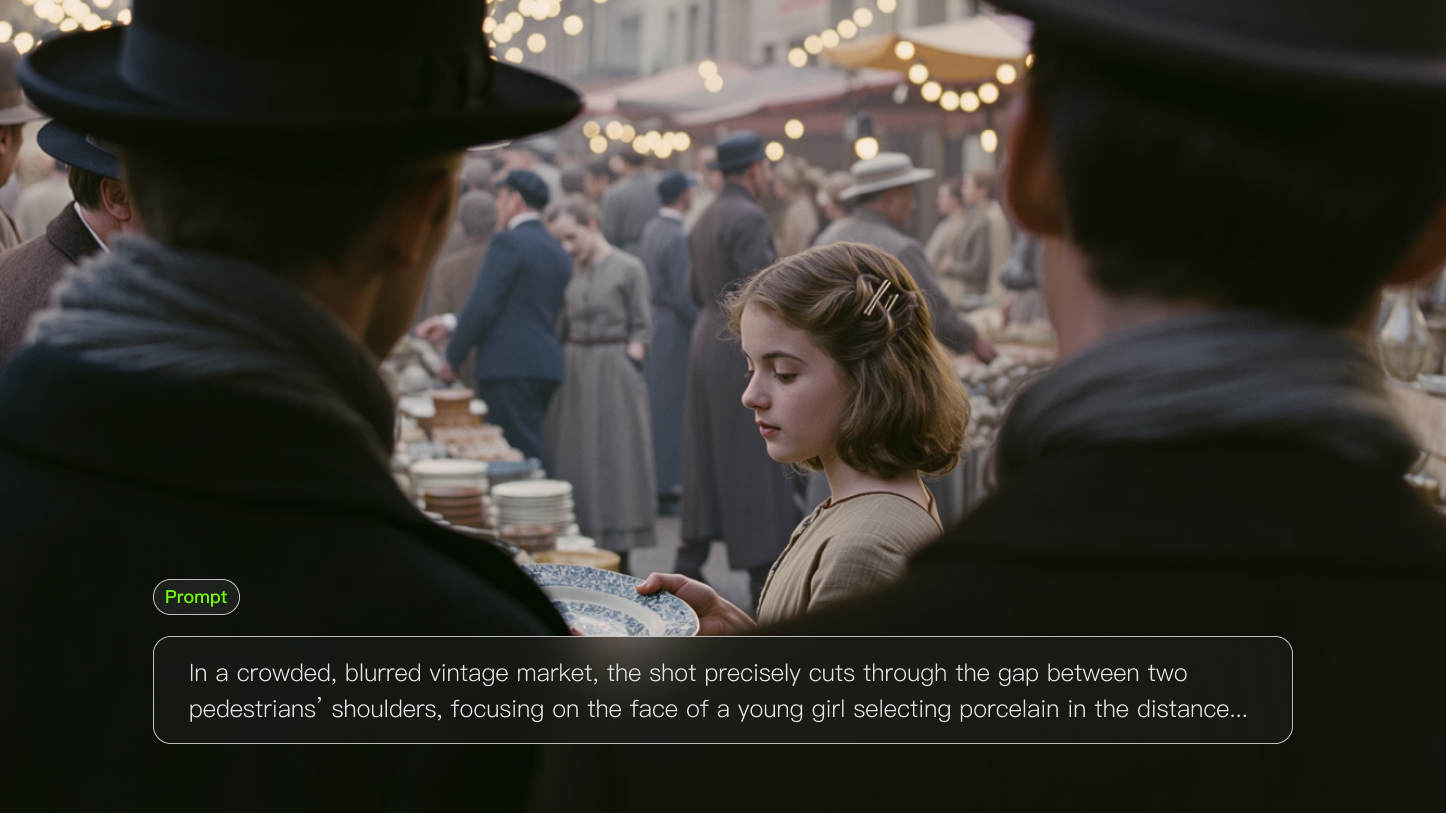
Kling VIDEO 3.0 Omni is suited to reference-driven workflows, including video element reference and element voice control. These workflows can be important when a project needs recurring characters, products, or voices.
Reference workflows may require more preparation because the creator needs clean source assets, clear prompts, and enough time for review.
When planning a budget, treat reference setup, retries, and review cycles as part of the production process.
What Should Teams Consider for Motion and Reference Workflows?
Projects with specific character movement, recurring subjects, or branded products should plan around consistency as much as resolution.
Use clear references and direct prompts to reduce unnecessary retries. Better source assets often save more credits than guessing with vague prompts.
For large campaigns, prepare a small test set before generating every final asset.
How Should Multi-Shot Generation Be Budgeted?
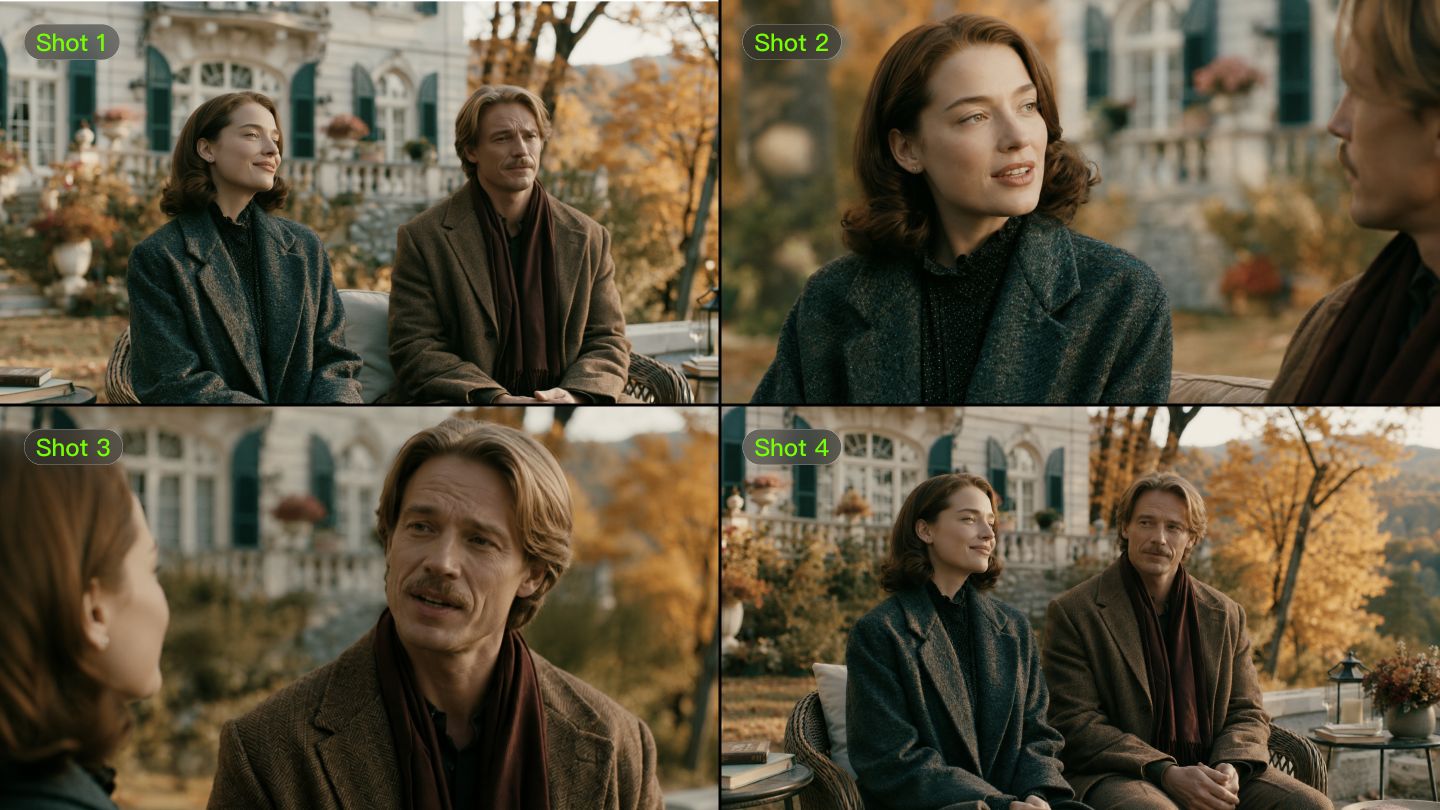
Multi-Shot helps creators build scenes with more shots and coverage in one generation. Custom Multi-Shot can define duration, framing, viewpoint, narrative content, and camera movement.
A reliable budget plan accounts for total duration, resolution, audio needs, and the number of review iterations.
Multi-Shot can reduce manual assembly, but creators should still reserve credits for testing prompts, refining shot order, and checking consistency.
How Does Native Audio Affect Project Planning?
Native Audio supports dialogue, ambience, sound effects, and lip movement that work together with the visuals in supported Kling VIDEO workflows.
When a scene includes speech or multilingual dialogue, plan time for script review, speaker clarity, and possible retries.
Element voice control can be useful for reference-driven character workflows, especially when voice tone and character identity need to remain connected.
What Is the Best Way to Plan a Credit Budget?
Start with the creative brief: duration, resolution, sound requirements, model choice, reference needs, and final delivery format.
Then run a short test generation before scaling. A small test helps validate the prompt, references, and output quality before spending credits on the full set.
Use the membership page to compare current plans, credits, feature access, and commercial-use terms before committing to a production plan.
How Does the 15-Second Duration Support Efficient Planning?
Kling VIDEO 3.0 series supports up to 15 seconds of generation, with flexible duration from 3 to 15 seconds. A longer single generation can carry more action, dialogue, and shot progression.
Use the available duration intentionally. A focused 6-second shot may be more efficient than a loose 15-second scene, while a complete dialogue beat may need the full duration.
Plan each generation around the story beat, not just the maximum length.
When Should Teams Consider Higher Membership Plans?
Higher plans list larger monthly credit pools and plan benefits such as fast-track generation, 1080p Video Generation, image upscaling, brand watermark removal, video extension, and commercial-use access. Pro, Premier, and Ultra also list priority access to new features, while Ultra lists beta test invite if applicable.
Choose a plan based on actual project volume, review cycles, team needs, and current feature access rather than a fixed cost-per-video estimate.
Summary
Kling AI credit planning stays flexible when teams account for model choice, resolution, Native Audio, Multi-Shot, 4K output, references, duration, and retries. Confirm current pricing and plan details before final budgeting
Open Kling AI, review the current membership plan, and plan each project around the model, duration, resolution, audio, and reference needs that matter most.