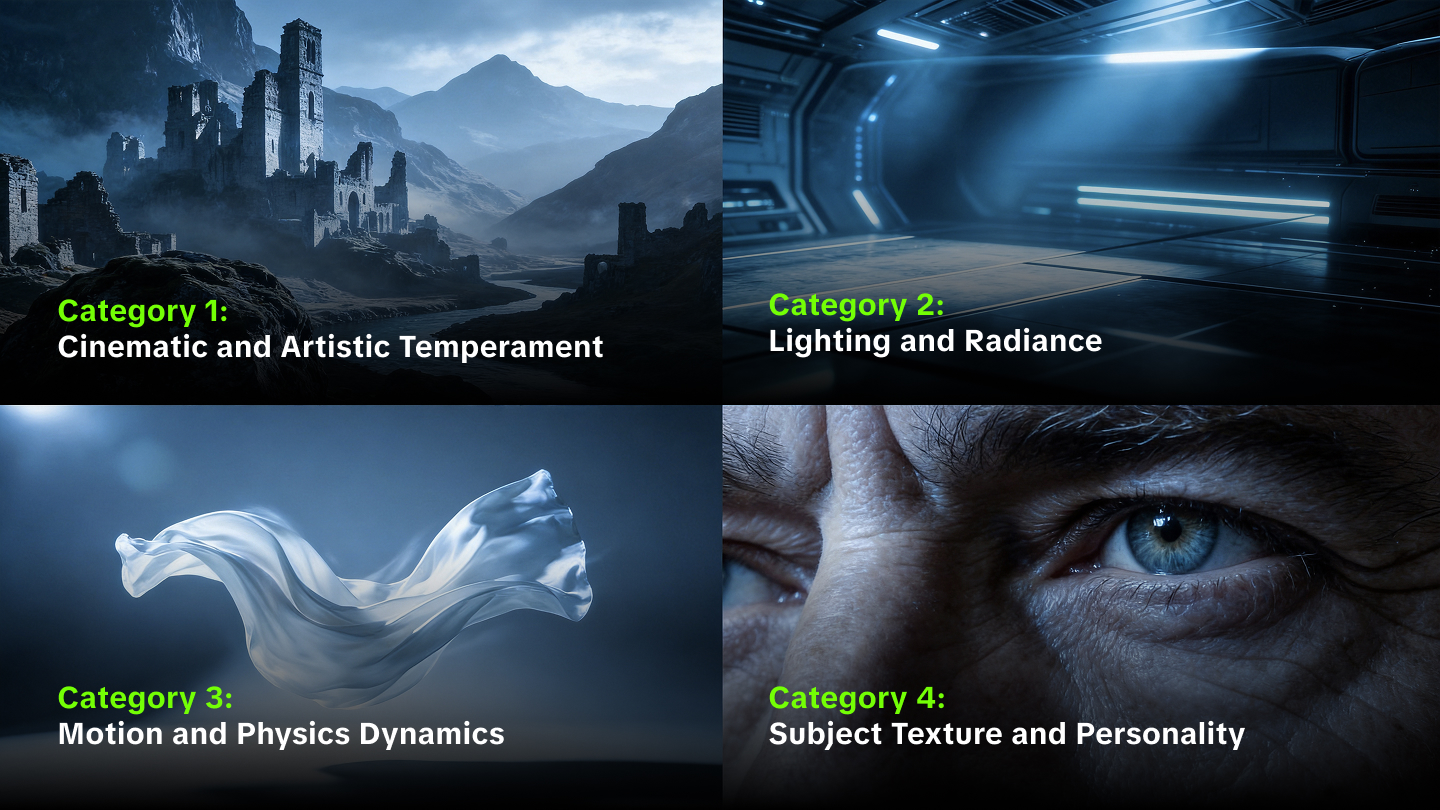
Cinematic fear lives within the shadows and the silence. Pure terror requires more than just a scary face on screen. Masterful horror creators utilize specific palettes and frequencies to trigger deep psychological responses. Using advanced video generation tools allows anyone to weave these nightmare elements together with surgical precision.
Why Does Color Grading Matter For Horror AI Video?
Color acts as a vital tool for setting mood and emotion in any scene. Within the horror genre, color grading involves adjusting properties like brightness, contrast, and saturation to create an atmosphere that feels dark and foreboding. Choosing specific horror AI video prompts helps captivate the audience through visual storytelling that establishes a sense of dread before any action occurs.
Color choices shape the viewer's emotional response. Cooler blues and greens can create isolation or unease, while high contrast can hide threats in deep shadows.
Color Property | Narrative Effect | Psychological Response |
High Contrast | Eliminates the middle ground | Heightens anxiety and uncertainty |
Desaturation | Drains life from the image | Creates bleakness and despair |
Low Brightness | Hides details in shadows | Triggers fear of the unknown |
Cool Tones | Establishes distance | Evokes sadness, mourning, or unease |
What Are The Best Mood Prompts For AI Horror Scenes?
Selecting effective mood prompts for AI involves using descriptive language that defines the environment, time of day, and lighting quality. To achieve a professional aesthetic, prompts should reference specific visual styles like "high-contrast noir" or "gritty and raw cinematic realism". Technical descriptors of that nature help the model understand the desired intensity and grain.
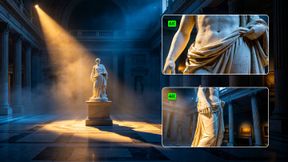
Using lighting as a primary mood setter transforms a generic clip into a haunting experience. Side lighting reveals dimension and creates sharp shadows, while backlighting silhouettes the subject to maintain mystery. Cues such as "light slowly fades" or "time-lapse of moving shadows" add a dynamic layer of tension. When crafting these prompts, creators should focus on 3 to 5 core elements to avoid overwhelming the model while maintaining a clear vision.
Prompt | Image Output |
|---|---|
| Cinematic wide shot of a lone, mysterious figure standing in the center of a decaying, abandoned Victorian hallway, thick eerie fog rolling on the floor, sickly green and deep morgue blue lighting, high contrast, dramatic shadows, 35mm film grain, hyper-realistic, suspenseful and dark atmosphere. | .png?x-oss-process=image/format,jpg/resize,w_1200) |
How Can Sound Design Increase Suspense In AI Videos?
Sound is the invisible layer that guides emotion. Kling VIDEO 3.0 supports Native Audio for dialogue, sound effects, and ambience in supported workflows. For suspense, pair each sound cue with the visible moment it belongs to.
Atmospheric drones serve as a foundation for tension. Long, sustained low-frequency tones create a sense of space and unease that lingers underneath the action. Beyond drones, sharp sounds called stingers punctuate discoveries or reveal threats. Those sharp elements shift the emotional direction of a scene instantly. Quiet sound design also plays a role, as silence allows the audience to imagine what might happen next, rendering a faint whisper or distant metallic scrape even more terrifying.
Audio Element | Usage in Horror | Example Prompt Detail |
Ambience | Builds place and unease | Wind through an empty ward, distant rain, room tone |
Low drone | Creates sustained pressure | A low, slow-building hum under the scene |
Sharp sound cue | Marks a reveal or sudden movement | A metallic scrape as the door opens |
Whisper or breath | Adds proximity and tension | A faint whisper behind the character |
Which Color Palettes Best Suit Different Horror Subgenres?
Different types of horror require unique palettes to convey their specific brand of terror. A predominantly red palette immediately captures attention and promises a gory ride, rendering it a powerful choice for slasher films. In contrast, psychological horror often utilizes a sepia palette with sallow yellow or rusty brown to evoke rot and decay beneath the surface of everyday life.
Supernatural stories benefit from icy blues and eerie greens that suggest an otherworldly or sickly presence. Those hues create a sense of alienation and distance, especially for scenes with ghosts, psychic tension, or abandoned spaces. Use horror video prompts that specify the palette and visual tone directly, such as morgue blue shadows or blood red accents.
How Do I Write Effective Horror AI Video Prompts?
Successful prompt writing follows a structured formula: Subject + Action + Setting + Style + Audio. For horror, the camera perspective should be prioritized to control the viewer's focus. An extreme close-up on a character's eye captures raw emotion, while a low-angle shot renders a villain imposing and powerful.
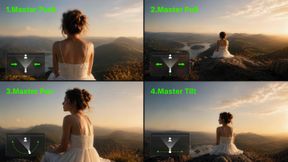
Technical precision in the prompt leads to better AI interpretation. Instead of using vague terms, specify the lens type or camera movement like "slow dolly in" or "handheld shaky camera" to increase the sense of panic. Through describing the audio components clearly, such as "a slow-building thriller score with low strings," the Kling Video 3.0 model produces a unified sensory experience that feels grounded. Avoiding multiple complex actions within a single short clip helps maintain visual clarity and consistency.
What Technical Features Help Craft Suspense In AI Video?
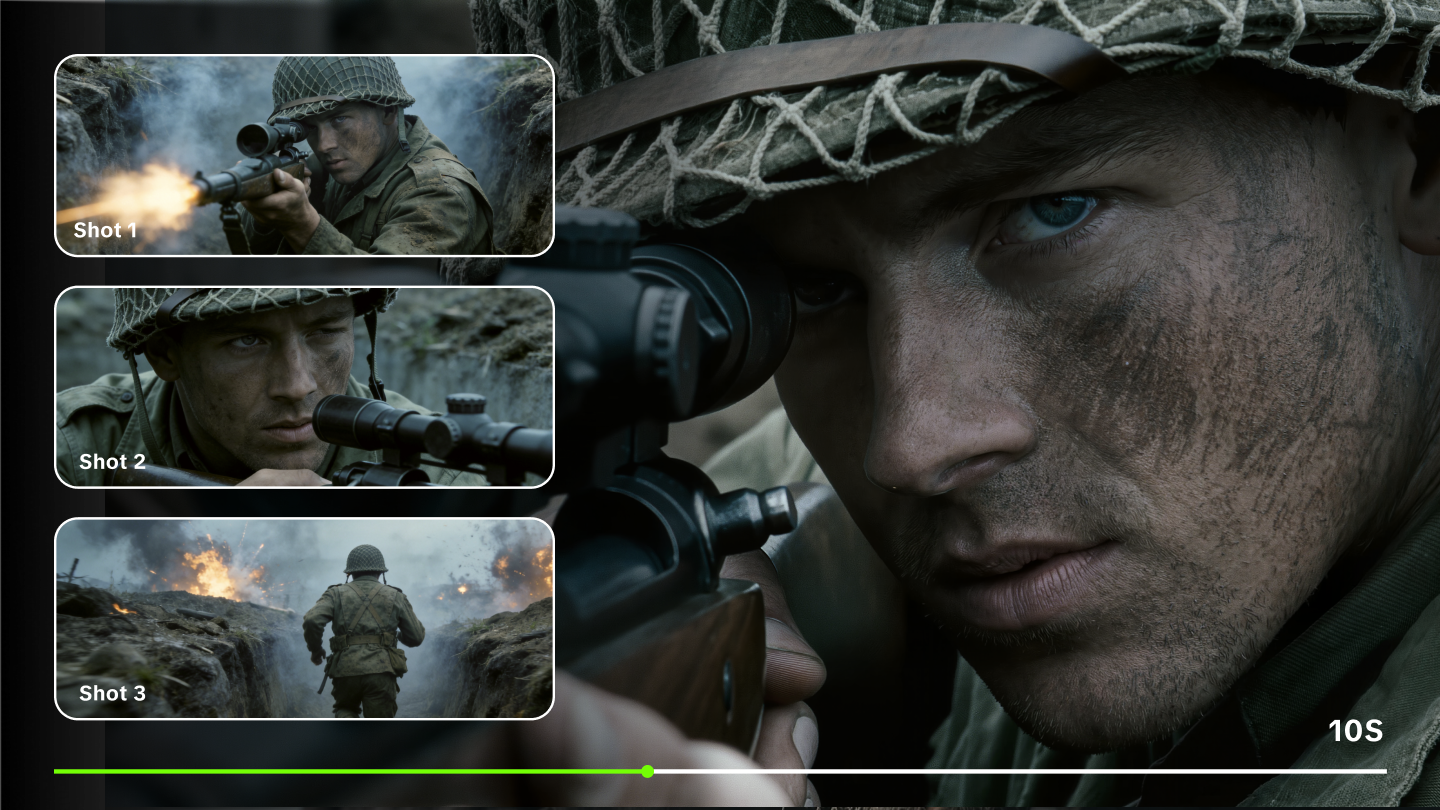
Kling VIDEO 3.0 and Kling VIDEO 3.0 Omni support Multi-Shot generation for scenes that need more shots and coverage. Custom Multi-Shot can define shot duration, shot size, perspective, narrative content, and camera movement.
The 3.0 series supports up to 15 seconds of video generation, with flexible duration from 3 to 15 seconds. Reference workflows, Native Audio, and Multi-Shot can help a horror scene build dread through pacing, sound, and recurring subjects.
Prompt | Video Output |
|---|---|
| Extreme close-up on a terrified woman's wide-open eyes, tears streaming down her pale face, her pupils dilating in pure horror as she realizes something is behind her, slow dolly in camera movement combined with subtle handheld shake to build unbearable tension, dark abandoned Victorian house interior at midnight, dim flickering candlelight casting long terrifying shadows on cracked walls, cold blue moonlight filtering through broken windows, horror cinematic style, highly detailed, photorealistic, moody color grading with desaturated tones and deep blacks, slow-building thriller score with low menacing strings and distant eerie whispers, subtle creaking floorboards and faint breathing sounds, cinematic lighting, unified terrifying atmosphere | 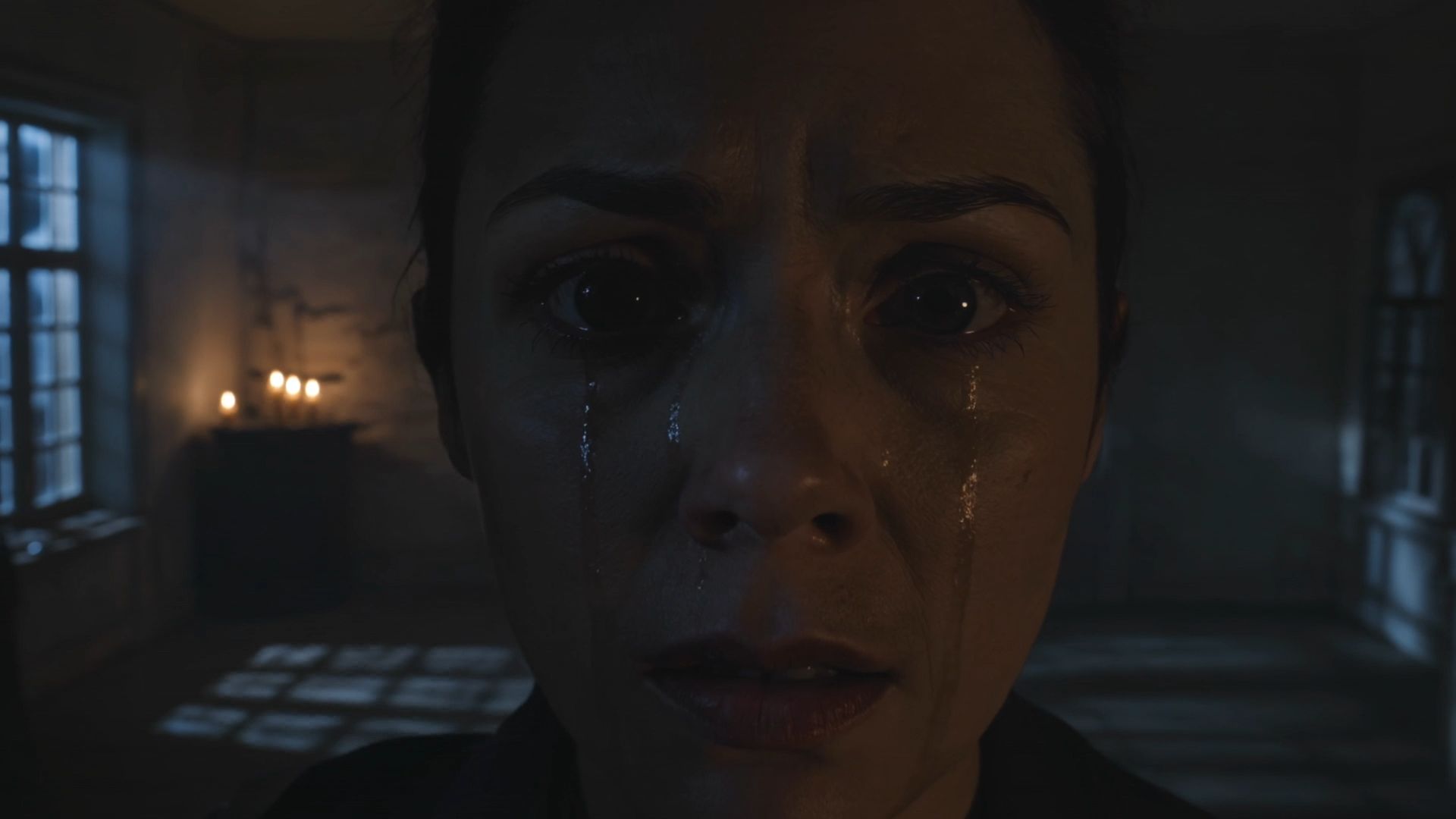  |
Creating Impactful Horror Scenes Through Elements
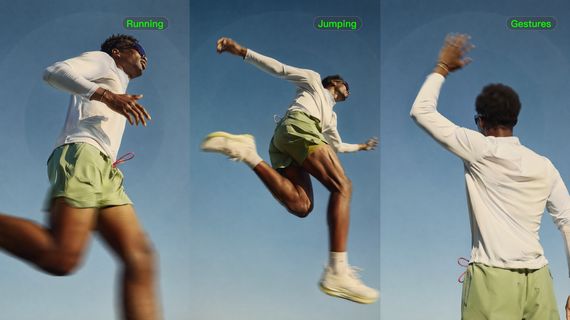
Use Element Reference, Multi-image Reference, or Video Element Reference when a monster, prop, product, or character needs to remain recognizable across the scene.
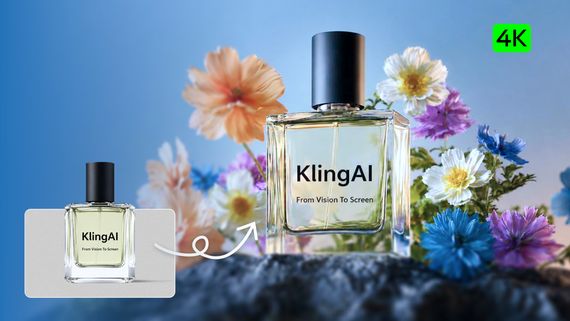
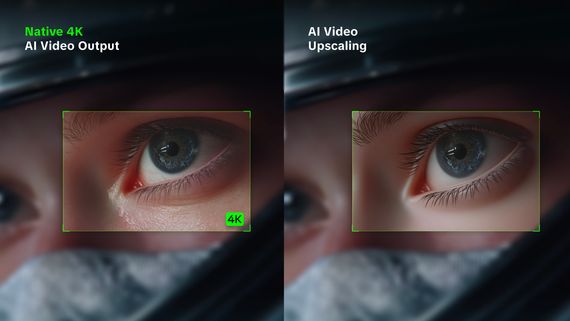
For suspenseful motion, describe visible cause and effect: a shadow creeping along a wall, a door opening slowly, curtains moving in a cold draft, or water rippling in a dark hallway. Kling VIDEO 3.0 series also includes native 4K video output for sharper visuals and richer detail.
FAQs
Q1. What Is The Role Of Sound Effects In Scary AI Videos?
Sound design forms the psychological backbone of suspense. Kling VIDEO 3.0 supports Native Audio for dialogue, sound effects, and ambience in supported workflows. Pair a scream, creak, breath, or low room tone with the visible action so the scene remains clear and reviewable.
Q2. How Can I Keep Characters Consistent In A Horror AI Video?
Character consistency prevents the audience from losing focus during intense or fast-paced scenes. Using the Element Library within the platform allows creators to upload multi-angle reference images. The AI uses those references to remember specific facial features, accessories, and outfits across different clips. Kling Video 3.0 also features voice binding, keeping a character's vocal identity stable throughout the production, even across multiple languages.
Q3. What Colors Create The Most Tension In Horror Cinematography?
Cool palettes like morgue blue or sickly green often produce the strongest sense of unease and alienation. Desaturation also strips life from the frame, leaving a bleak and hopeless environment that suggests rot or decay. High contrast helps hide threats in deep shadows while highlighting sharp, terrifying details that catch the eye. High-fidelity 4K output from advanced models captures those subtle shifts in hue and texture with immense clarity.
Q4. Can AI Video Tools Generate Multiple Scenes At Once?
Multi-Shot helps creators build more complete horror scenes with additional coverage in one generation. A prompt can define shot-reverse-shot dialogue, a slow reveal, or a shift from wide shot to close-up as part of the scene plan.
Q5. How Long Can AI-Generated Horror Clips Be?
Longer durations allow for the slow escalation of dread and more intricate character development. The Kling 3.0 model generates continuous video for up to 15 seconds. That window provides enough space for characters to perform complex actions or for the camera to execute a slow, creeping dolly zoom. Extended clips reduce the need for excessive editing while maintaining temporal stability across the generated footage.
Secure Your Cinematic Vision Today
Kling VIDEO 3.0 gives horror creators practical tools for longer scenes, Multi-Shot pacing, Native Audio, references, and 4K output. Use clear visual and sound direction to build suspense scene by scene.